Run your restaurant or store with one simple POS.
ProwlerPOS helps restaurants, cafés, supermarkets, marts, and stores take orders, accept payments, and see daily sales reports from one easy system.
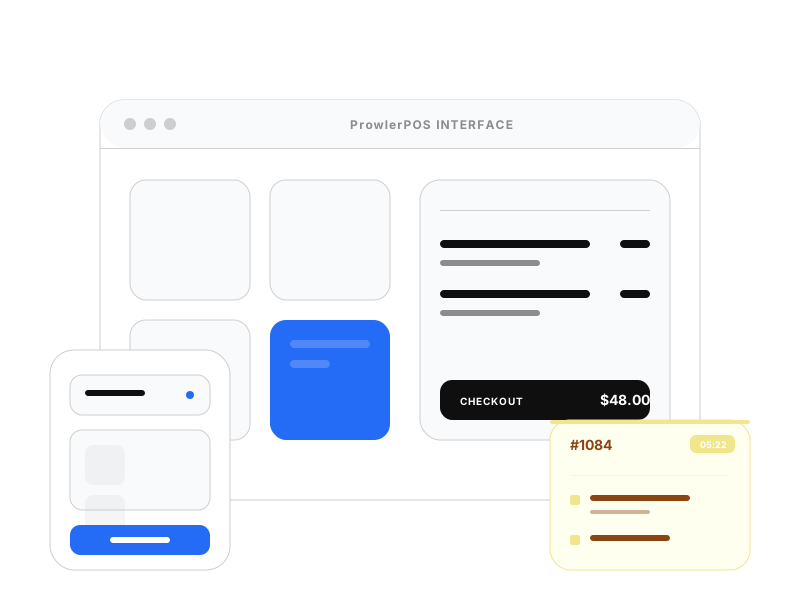
Tools for checkout, table orders, and kitchen teams
ProwlerPOS gives every business a simple way to manage sales and payments. Restaurants and cafés can also use the Waiter App and Kitchen Display to move food orders faster.
POS System
For everyday sales and checkout.
Ring up sales, take payments, print receipts, apply discounts, and keep clear sales records.
Waiter App
For table service businesses.
Waiters can take orders from the table and send them straight to the kitchen, helping reduce mistakes and delays.
Kitchen Display
For food preparation teams.
Kitchen staff can see new orders, track what is being prepared, and mark orders when they are ready.
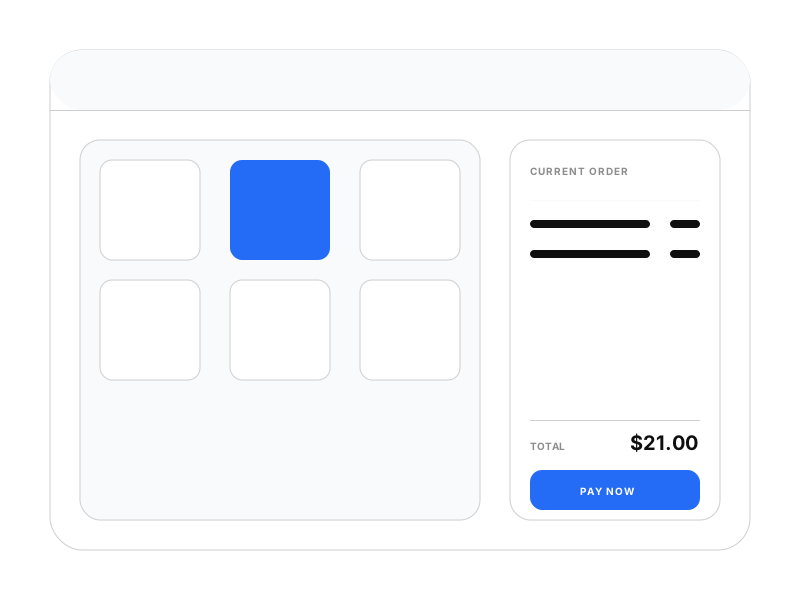
Point of sale
Make checkout
faster and easier.
Add items, apply discounts, collect payments, print receipts, and keep sales records without stress. ProwlerPOS helps your staff serve customers faster at the counter.
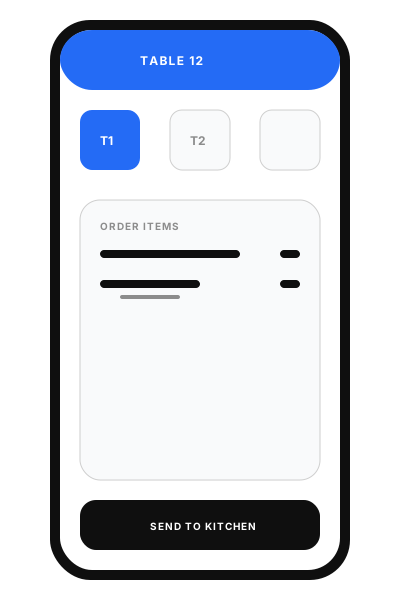
Waiter app
Take table orders
without running around.
Waiters can take orders from the table and send them straight to the kitchen. This reduces mistakes, saves time, and helps customers get served faster.
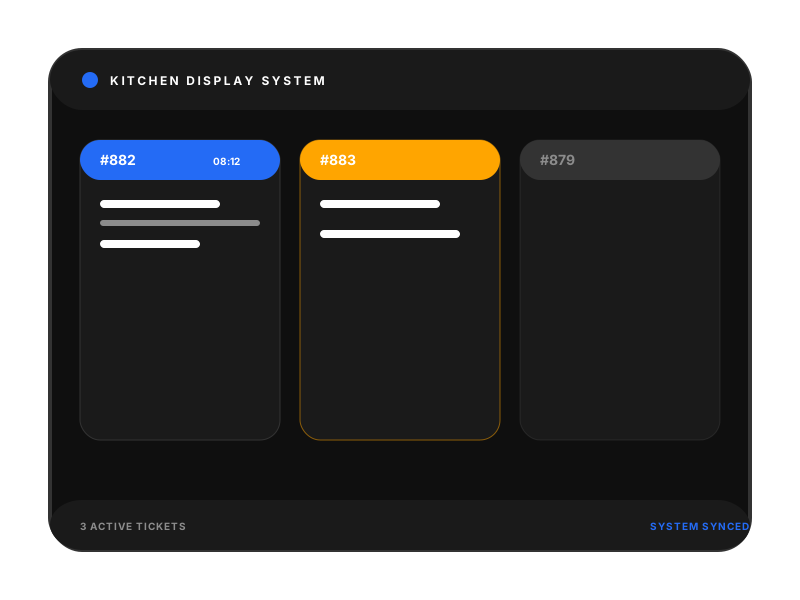
Kitchen screen
Let the kitchen know
what to prepare.
The kitchen screen shows new orders as soon as they are sent. Cooks can see what to prepare, what is still pending, and what is ready to serve.
From order to payment
in plain steps.
ProwlerPOS keeps sales, orders, and the kitchen on the same page. Your team spends less time chasing tickets and more time helping customers.
Order starts
A customer orders at the counter or a table. Your staff enters items on the POS or the waiter app.
Waiters send orders
In restaurants, waiters can take orders at the table and send them straight to the kitchen screen.
Waiter app
Sending to kitchen…
Kitchen sees the ticket
If you serve food, cooks read the screen and move orders from new to cooking to ready.
Take payment
When the sale is finished, checkout happens on the POS with the payment types you accept.
Check the day
Owners and managers see what was sold, how much money came in, and how the business performed for the day.
Business reports
Know what is happening
in your business.
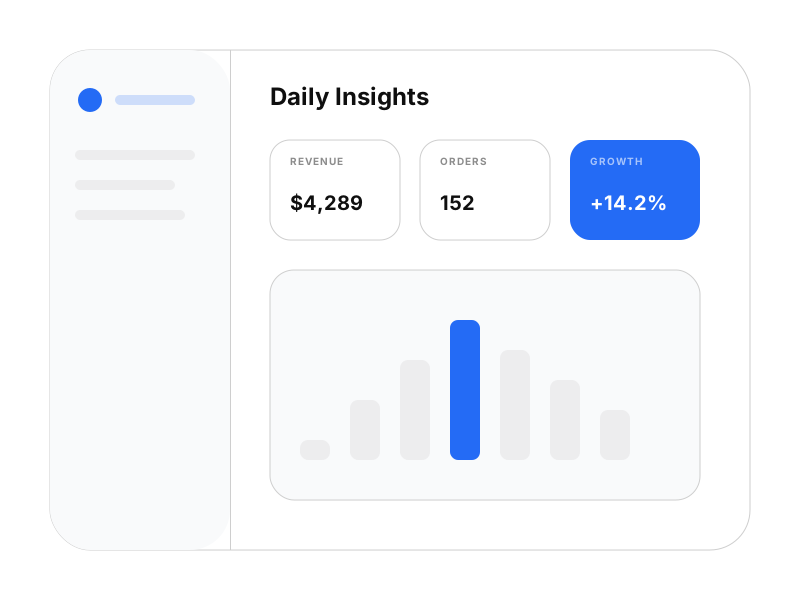
See what was sold, how much money came in, which items sold best, and how your business performed for the day.
Who it is for
Built for busy places that serve food or sell goods
Whether you run a dining room, a shop floor, or a market aisle, ProwlerPOS speaks the same language as your staff and your customers.
Teams we love supporting
Pricing
Simple plans for growing businesses.
Book a demo to talk through the right setup for your restaurant, café, supermarket, or store.
Starter
Book a demo to discuss the right plan for your business.
- Point of sale for checkout
- Daily sales records
- Product and menu setup
- Basic business reports
- Receipts customers can read
Growth
Book a demo to discuss the right plan for your business.
- More checkout devices
- Waiter app for table orders
- Kitchen screen for cooks
- Clear sales and payment reports
- Low-stock reminders
- Staff permissions you control
Business
Book a demo to discuss the right plan for your business.
- Multiple locations
- More devices as you grow
- Help rolling out to your team
- A contact who knows your account
Need something custom? Book a demo and we will help you choose.
Ready to run sales, orders, and reports
from one simple system?
Book a short demo and we will show you how ProwlerPOS fits your restaurant, café, supermarket, or store.